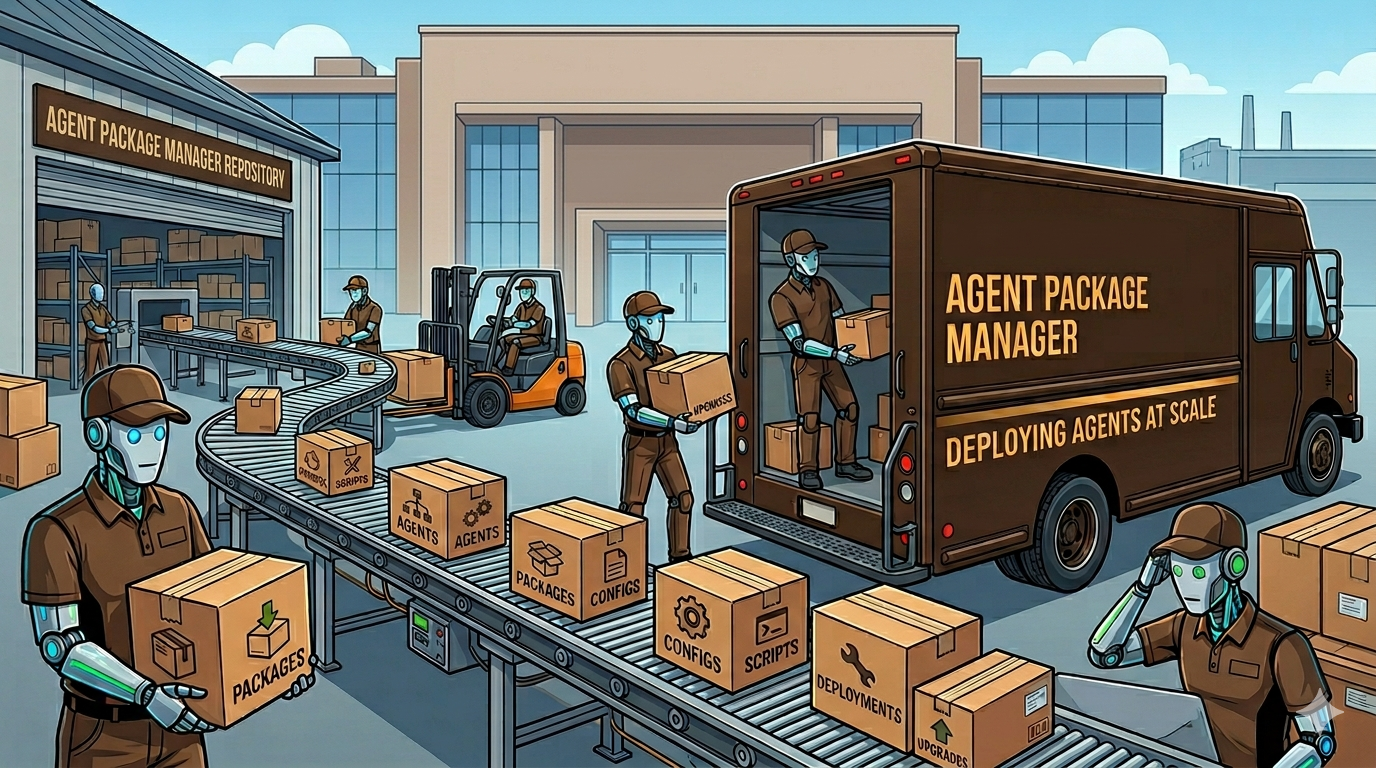
Microsoft APM - Managing AI Context Like a Dependency Problem
It started with a small problem that wouldn’t stop nagging me.
I had AI coding tools scattered across machines, each one configured slightly differently, each one producing slightly different results. My Claude Code setup on my laptop didn’t match my desktop. I had created skills for these coding agents, but the skills I could use depended on which machine I was using. It had a “ it works on my machine” issue, but they were all my machines.
I started using Skillshare a little while ago and it helps somewhat, but it focuses on syncing the skills between the coding agents configs in your user folder. This type of functionality is useful for some skills, but not for all of them, Because sometimes you only need skills at the repo level. And putting all your coding agent skills at the user folder level not only pollutes your context, but makes it hard to find a specific skill when you want one.
So when I was asked to look for an enterprise tool to manage skills with a focus on Github Copilot, I found Microsoft APM, Agent Package Manager.
- The Blueprint: APM’s Declarative Infrastructure
- Organizing the Monorepo
- Solving Context Pollution with Intelligent Compilation
- Automating the Standards
- Local Iteration and the Playground Strategy
- From Supervisor to Architect
The Blueprint: APM’s Declarative Infrastructure
Many of us are still prompting it like it’s 2023. Copy-paste a prompt. Maybe drop a CLAUDE.md or AGENTS.md in the repo. Hope for the best. When the AI does something dumb, yell at it in the chat window and hope it remembers next time. It won’t.
APM replaces all of that with a declarative, version-locked workflow that treats AI context the same way we treat dependencies. You declare what you need in apm.yml, lock it with apm.lock.yaml, and install it with apm install. If that sounds like npm or pip, good. That’s the point. We solved dependency management for code twenty years ago. It’s insane that we’re still managing AI context by hand.
The system is built around seven primitives:
- Instructions — The guardrails. Think
CLAUDE.mdorAGENTS.mdfiles that tell the AI how to behave. - Skills — Reusable capabilities the AI can invoke.
- Prompts — Executable task templates with defined inputs. Called commands in Claude Code.
- Agents — Specialized sub-agents with their own instructions and tools.
- Hooks — Shell commands that fire on specific events.
- Plugins — Extensions that add functionality to the agent runtime.
- MCP Servers — Model Context Protocol servers that give agents access to external tools and data.
The part that sold me: APM doesn’t run a daemon or require a runtime. It populates your existing .github/, .claude/, and .cursor/ folders with native configuration files. The agents just pick them up. If you delete APM tomorrow, those files still work. Zero lock-in. That’s how you know someone thought about this for more than a weekend.
Key Concepts Guide
Organizing the Monorepo
So you’ve got seven types of primitives and you want to share them across multiple projects. Maybe across a whole team. Maybe across an entire engineering organization. You need structure, or you’ll drown in conflicting instructions and duplicated skills within a month. For now, this works:
Department — The top layer. These are your organization-wide standards. Security policies. Code review requirements. Compliance guardrails. The stuff that applies everywhere and nobody gets to opt out of. Think of it like your company’s engineering handbook, except the AI actually reads it.
Team — The middle layer. Your team’s specializations. Maybe your frontend team has specific React patterns. Your data team has dbt conventions. Your platform team has infrastructure standards. These inherit from Department but add domain-specific knowledge.
Project — The bottom layer. Local context for a specific repo. The stuff that only matters here. Your project’s architecture decisions, custom tooling, specific quirks.
In practice, this lives in a monorepo where each layer is a directory containing virtual subdirectory packages. So you might have:
/department/standards-security
/department/standards-code-review
/team/frontend-react
/team/data-engineering
Each of those is a standalone APM package that can be versioned and depended on independently, but they all live in one repo where you can see the whole picture. You slap CODEOWNERS on the department folders so nobody changes the security standards without review, but teams get autonomy over their own specializations.
Solving Context Pollution with Intelligent Compilation
Here’s a problem I didn’t anticipate until I was neck-deep in it: context pollution.
You’ve got department-level instructions. Team-level instructions. Project-level instructions. Skills from three different packages. Prompts from two more. And now your AI assistant is trying to load all of that into a context window that is not infinite. Irrelevant instructions don’t just waste tokens and degrade performance. Tell an AI too many things and it starts forgetting the important ones.
APM solves this with apm compile, which transforms all your scattered primitives into optimized, hierarchical AGENTS.md files. It figures out which instructions belong at which level and how to structure them so the AI gets the most relevant context first.
The conflict resolution model is opinionated: local project files always win. If your project has an AGENTS.md and an installed package also has one, apm install skips the existing file unless you explicitly --force it. During apm compile, instructions get merged intelligently based on file patterns, but your local overrides stay on top. This is the right call. The project knows itself better than any upstream package does.
I found this out the hard way, naturally. I had a package that defined broad coding standards and a project that had specific exceptions. Without the compile step, the AI was getting contradictory instructions and doing that thing where it apologizes and asks which rule you’d prefer it follow. With apm compile, the hierarchy is built in. The AI just does the right thing.
Compilation & Optimization Guide
Automating the Standards
Once you have a pattern, you need a way to use without having to explain it every time. So I built util-apm-builder: a meta-skill that helps scaffold new packages. Yes, I used an AI tool to build a tool that teaches AI tools how to use AI tools.
Building this taught me something important about how AI skills actually can be structured. I do have skills that consist of a single SKILL.md. They just describe what the skill doe and have a couple of examples. I have created more advanced skill with workflows and references too. I was used to Claude Code.
But I was in GitHub Copilot world now and the structure it built for the first skill was really interesting:
- Instructions — Guardrails about the monorepo’s directory structure. “Department packages go here. Team packages go there. Don’t create folders outside this hierarchy.” Without these, the AI will hallucinate creative new locations for things.
- Context — The technical knowledge base. Manifest schemas. Valid field values. What
apm.ymlactually accepts. This is the reference material the AI consults mid-task, and without it, you get manifests that look right but fail validation. - Prompts — The executable task template. “Create a new package” with defined inputs for name, layer, type. This is what the developer actually triggers.
A SKILL.md at the root makes it a hybrid package: part skill, part instruction set.
Agent Workflows (Experimental)
Local Iteration and the Playground Strategy
Let me save you from a mistake I made so you can make different, more interesting mistakes.
Do not install APM packages at the root of your monorepo during development. I did this. What happens is the AI discovers your package source files in /department/my-package/ AND the deployed copies in apm_modules/ and .claude/, and now it’s seeing the same instructions twice from two different locations. It doesn’t know which is authoritative. It gets confused. You get confused. Everyone’s confused. It’s a bad time.
The fix is stupidly simple: create a /local folder as your playground. It’s a separate workspace where you install packages using relative path dependencies:
# /local/apm.yml
dependencies:
  - path: ../department/util-apm-builder
  - path: ../team/frontend-react
This gives you fast iteration without pushing to a remote registry, and it keeps the source packages and the deployed copies in separate directory trees so the AI doesn’t see double.
One gotcha: VS Code only discovers skills at the root of an open workspace. So if you’re testing a new skill in /local, you need to actually open that folder in VS Code, or set up a multi-root workspace that includes it. I spent ten minutes wondering why my skill wasn’t showing up before I figured this out.
For git discipline: add apm_modules/ to your .gitignore (it’s like node_modules/, derived, not source), but commit apm.lock.yaml and the deployed primitives in .github/ and .claude/. The lock file ensures reproducibility. The deployed files ensure any developer who clones the repo gets the same AI context without needing to run apm install first.
From Supervisor to Architect
There’s a maturity curve to working with AI coding assistants, and most of us are stuck somewhere in the middle of it.
At the beginning, you’re a Supervisor. You watch every line the AI writes. You correct it constantly. You paste errors back into the chat. You basically do pair programming where your partner has amnesia and you’re doing all the navigating.
The next level is what I’ve been doing for a while: running multiple AI tools on multiple projects simultaneously, trusting them with larger chunks of work, letting them plan and execute while I review the output. It’s better, but it’s still reactive. You’re managing agents, not engineering systems.
What APM enables is the jump to Architect. You define the standards, the guardrails, the knowledge hierarchy, and the execution patterns once. You version them. You distribute them. And then every AI assistant that touches any project in your ecosystem automatically knows how to behave, what standards to follow, and what context matters. You stop supervising individual interactions and start engineering the environment those interactions happen in.
The best part is the escape hatch. “Back in the day” in AI terms is last month. Who knows what will change. APM’s output is native configuration files: CLAUDE.md, AGENTS.md, .cursor/rules, skill definitions. If APM disappears tomorrow, or you decide it’s not for you, those files keep working. You haven’t locked yourself into anything except having better-organized AI context, which is not exactly a downside.
Related Posts
Firecrawl CLI Setup: Skip the Installer That Rewrites Your Editors
One npm install, one environment variable, one smoke test. Plus the auth screen that tells you two contradictory things in consecutive lines, and both of the...

What to Do When Your AI Coding Agent Can't Read a Web Page
I built a four-rung fallback ladder so my coding agent could read any web page. Then I read two months of my own logs and found the bottom rung had never run...

The Other Doc Got Fat Too: My Task File Was 90% Finished Work
I built a skill to compact my PLAN.md and took a victory lap. Meanwhile TASKS.md sat next to it at 758 lines, 90% of them already done.
Run Claude Code on DeepSeek Models in a Single Command
A fish function that points Claude Code at DeepSeek without wrecking your normal setup, plus the /anthropic vs /v1 gotcha that makes the copy-paste instructi...